First Post of New AI Powered Backplane.
From Copy/Paste AI to a Real Workflow
There’s a phase most of us go through with AI.
You open a browser.
You type something in.
You get a response.
You copy it.
You paste it somewhere else.
Repeat that a few dozen times a day.
It works. It’s useful. But it’s also fragmented.
Nothing connects. Nothing persists. And most of what you generate disappears into scrollback history or random files.
That’s the part I wanted to fix
Over the past few days, I stopped trying to “use AI better”…
…and instead built a system where AI fits into how I actually work.
Not as a chatbot.
Not as a separate tool.
But as part of a workflow.
What changed
Instead of:
- open a client
- write a prompt
- copy the result
- paste it somewhere
- lose the context
I now have a local control plane where everything flows through one place.
- Messages come in
- They get reviewed
- AI can analyze or draft responses
- Prompts are queued and tracked
- Outputs are stored
- Content can be refined and published
Nothing gets lost. Everything is connected.
Local + Cloud, on my terms
Right now the system is wired primarily to local models.
That means:
- I can run tasks without depending on external services
- I can choose which model handles which job
- I can experiment freely without worrying about cost per click
Cloud models are still part of the plan, but they’ll plug into this same system.
Not replace it.
The goal isn’t to depend on one provider.
It’s to control how models are used.
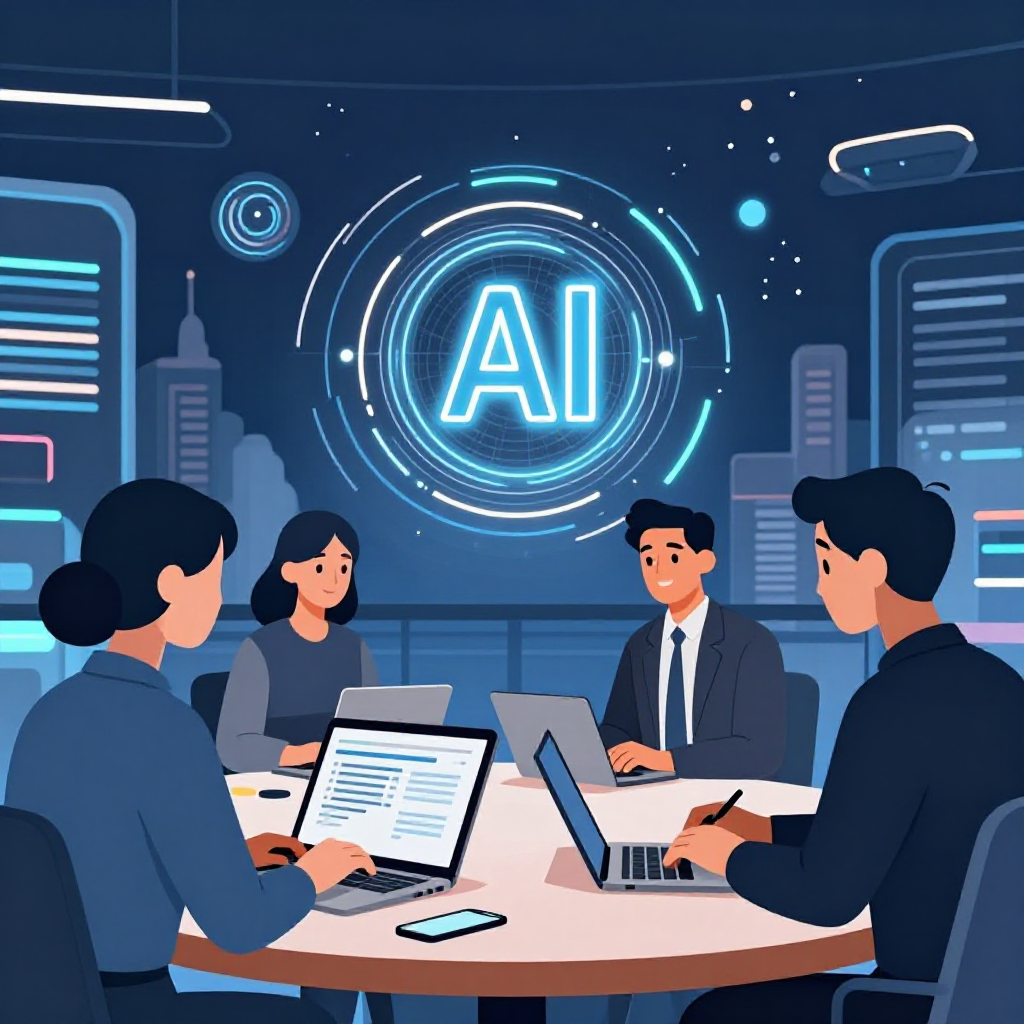
This image? It came from that system
The image you see here wasn’t created in a separate tool.
It came out of the same workflow.
- A prompt was submitted
- A local model processed it
- The system tracked the task
- The output was saved and made available immediately
No downloads. No manual steps. No guessing where it went.
It’s just another artifact in the system.
What this system actually is (without the buzzwords)
At its core, it’s just a simple idea:
Have one place where everything comes in, gets processed, and turns into something useful.
Behind the scenes, it’s doing a few important things:
- capturing inputs (messages, prompts, ideas)
- storing everything so it doesn’t disappear
- letting me review and decide what matters
- using AI to assist, not replace
- turning raw inputs into clean outputs
That’s it.
Why keep it local?
Because not everything should live on the public side.
The system keeps:
- raw inputs
- intermediate steps
- AI outputs
- internal decisions
All local and under control.
The public-facing side only gets:
the final, distilled result
That keeps things:
- cleaner
- safer
- easier to manage
What it feels like to use
This is the part that surprised me.
It doesn’t feel like “using AI.”
It feels like:
- opening one screen
- seeing what needs attention
- acting on it
- moving on
Less jumping between tools.
Less context switching.
Less lost work.
Where this is going
Right now it’s handling:
- contact intake from my site
- spam filtering and review
- AI-assisted responses
- prompt-driven generation
- image creation
Next steps are just expanding the same idea:
- better content workflows
- deeper integration with projects
- optional cloud model routing
But the core doesn’t change.
The shift
The biggest change isn’t technical.
It’s this:
I’m not using AI as a tool anymore.
I’m running a workflow that includes AI.
And once you make that shift…
You stop thinking in prompts.
You start thinking in systems.
If you’re working across multiple tools, multiple models, and a lot of moving pieces, you’ve probably felt the same friction.
This is how I’m solving it for myself.
And honestly, I don’t think I’m going back to copy/paste mode.
--Bryan